
Readdy.

Site planning

How to use readdy ai templates as a starting point

A starting layout can help you organize a site, but it cannot decide what your visitors need to know. Use this guide to turn a visual reference into a brief, adapt the content to your business, and check the result before publishing.

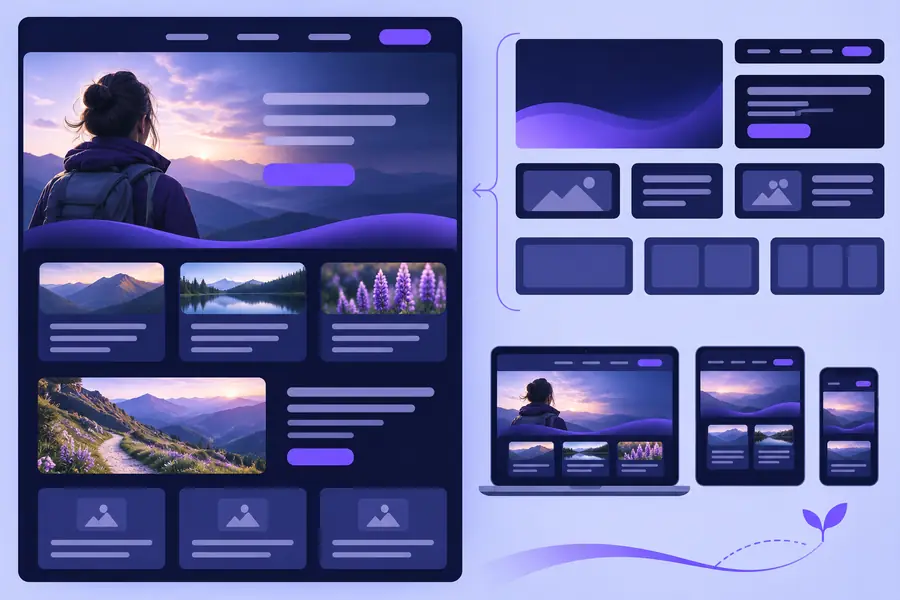
Readdy site-building visual

Why a starting layout may not solve the hard part

The difficult choice is often not which design looks best. It is deciding what the page must say, which action matters most, and what evidence supports your claims.

Three workflows for turning inspiration into a site brief

These workflows work whether you begin with a gallery example, an existing page, or a layout you have sketched yourself.

  1. 1

    Map the visitor's first decision

    For a local service page, write down the service area, the problem you solve, and the next action you want a visitor to take. Choose a reference layout only after you know where those three details should appear. Replace generic headings with language a prospective customer would recognize.

  2. 2

    Adapt the page to the evidence you have

    For a portfolio, gather three projects with permission to show the work. Give each project a short description of your role and the outcome. If a reference design includes testimonials or impressive figures you cannot substantiate, remove those sections rather than filling them with placeholders.

  3. 3

    Test the route to an inquiry

    For a small business page, read the draft on a phone and follow its main action from the first screen. Check whether the form asks only for information you need and whether a visitor can find contact details without hunting through the page. Revise the structure when the path feels unclear.

Example output: a restaurant landing-page brief

A restaurant reference is most useful when it leads to specific content decisions, not a copy of somebody else's menu or imagery.

Illustrative visual representing a starting layout Starting reference
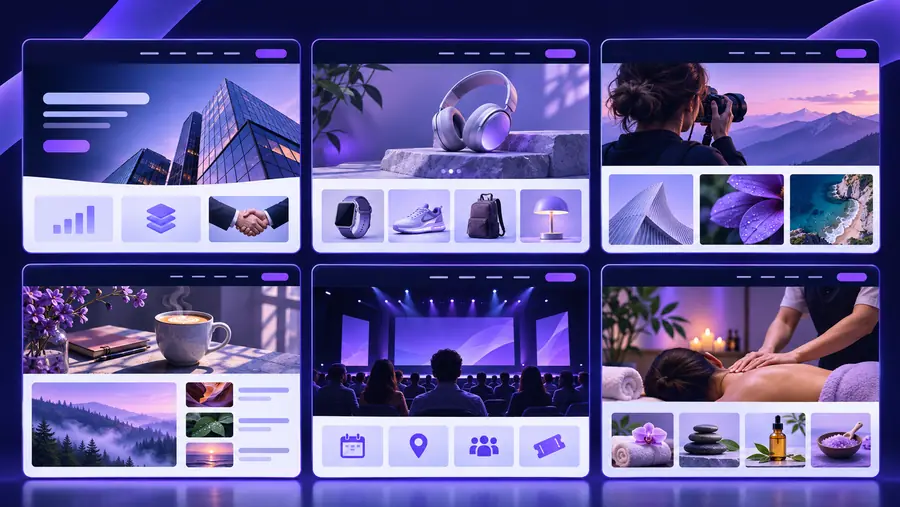
Illustrative restaurant website concept Restaurant concept
Illustrative visuals, not a verified before-and-after transformation. A useful brief would specify opening hours, location, a current menu source, dietary-information ownership, and whether the primary action is booking a table or placing an order.

Compliance notes for different kinds of sites

Treat any starting design as a structure to review. The owner of the site remains responsible for the accuracy and permissions behind its content.

Local service owner

A reference page has a five-star quote, a certification badge, and a broad service-area claim.

Publish only reviews you have permission to use, verify credentials, and state the locations you actually serve. For a closer look at the building workflow, see the related guide.

readdy ai website builder

Independent creator

A portfolio layout leaves space for client logos, project screenshots, and outcome metrics.

Confirm display rights before adding client material. Distinguish your contribution from the team's work and leave out performance numbers you cannot document. For context on the product's purpose, read the explainer.

what does readdy ai do

Restaurant operator

A dining-page concept includes food photography, menu prices, and an inquiry form.

Use images you own or license, keep menu details current, and check how form submissions and privacy notices are handled before launch. For a wider set of evaluation questions, consult the review guide.

readdy ai review

Take your brief into the next step

Bring your audience, required content, and primary visitor action together before exploring a site-building option. That gives you a way to judge any starting layout on usefulness rather than appearance alone.

Explore site options
  • Define the visitor's main question
  • Gather content you can verify
  • Review the mobile path to action

Questions about template-led site planning

No starting layout knows your offer, audience, or proof points. Use it to organize information, then write and verify the words, images, and claims that make the page yours.

Start with the action a visitor needs to take, such as requesting a quote or finding your location. Favor a structure that makes that action obvious and leaves room for the details customers need before deciding.

You can borrow a broad structure, but the content priorities differ. A portfolio needs clear project context and attribution, while a restaurant page usually needs practical details such as its location, hours, and current menu information.

Test links, forms, and readability on a phone. Verify claims and contact details, confirm rights to images and testimonials, and review any privacy information relevant to the data the site collects.

Start creating
Start creating